For Teachers
Create your own lessons and quizzes. Share them with students for free and track progress in one place.
EduAssistant gives teachers a free workspace to prepare materials, assign them to selected students, and see who is actually working with the lesson.
- Create your own lessons, materials, and quizzes.
- Share them with a link or with selected students.
- See who opened the material and how progress is going.
- Start for free, without setup costs and without extra tools.
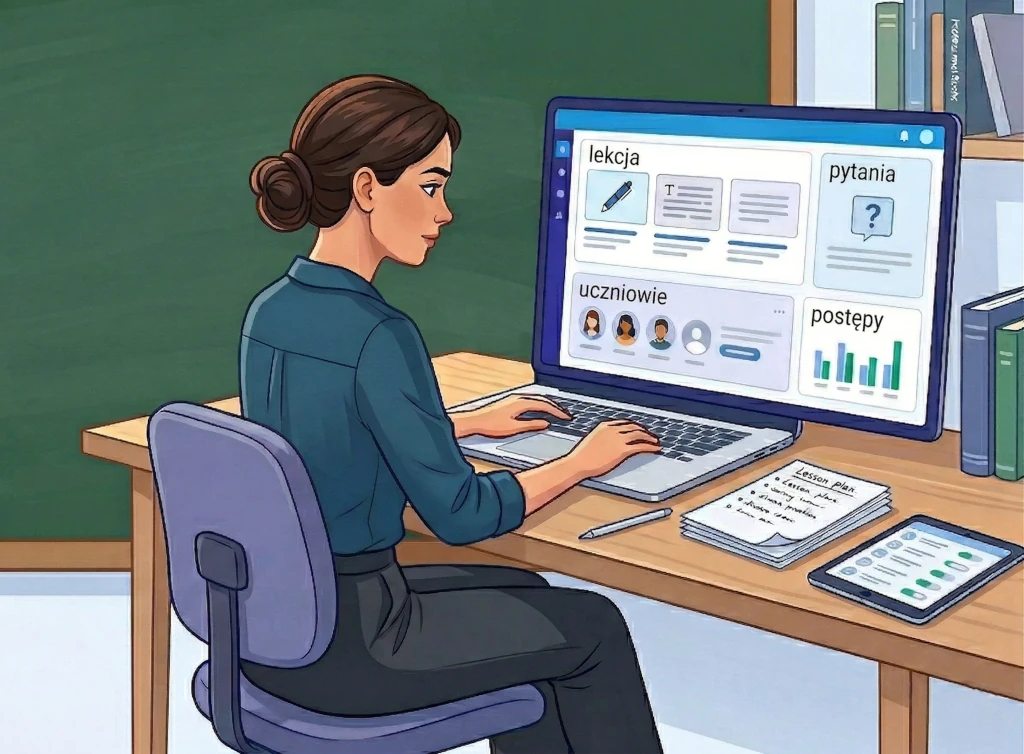
You do not need to stitch materials together across several tools. Lessons, quizzes, assignments, and student progress live in one panel.
What the platform gives you
One place to prepare materials and work with students.
Create your own lessons and quizzes
You prepare content in the way you actually teach: your way, for your class, without adapting yourself to someone else's structure.
Share them only with the students you choose
You can send a simple link or assign content to a specific student group when the material should reach only selected people.
Track progress without guessing
You can see who opened a lesson, who completed a quiz, and which students still need to return to the material.
How it works
A simple flow: create an account, prepare content, share it with students, and see the results.
Create a free teacher account
You start for free and immediately get access to a panel where you can create your own content for students.
Create a lesson, material, or quiz
Add exactly what you need: one lesson after class, a revision quiz, or a full set of materials for a group.
Share it with a link or selected students
You decide whether the material should be available more widely or only to a specific list of students.
Track who is working and where to return
Instead of guessing from messages or notebooks, you can see progress in the panel and spot low activity faster.
What you can use it for
Not just for one kind of class workflow.
Material after class
Share a short lesson or follow-up material after the lesson ends.
Revision quiz
Before a test, give the class a quick quiz and see what still needs work.
Task for a selected group
Assign content only to students who need to catch up or need extra practice.
Individual work
Build a material set for one specific student without mixing it into the work of the whole class.
Club activities or extra classes
Keep materials in one place for smaller groups and work outside standard lessons too.
Why it is worth starting
The strongest argument is simple: a teacher can start for free.
First you create your own lessons, materials, and quizzes, share them with students, and see how this way of working fits in practice. No paid setup and no need to build everything from scratch across several tools.
Next
Create a teacher account and prepare your first lesson or quiz for students.
If you want the simplest starting point, prepare one lesson after class or a short revision quiz. The platform should help you organize work with students faster, not make it more complicated.